Fronts and Forecast Module
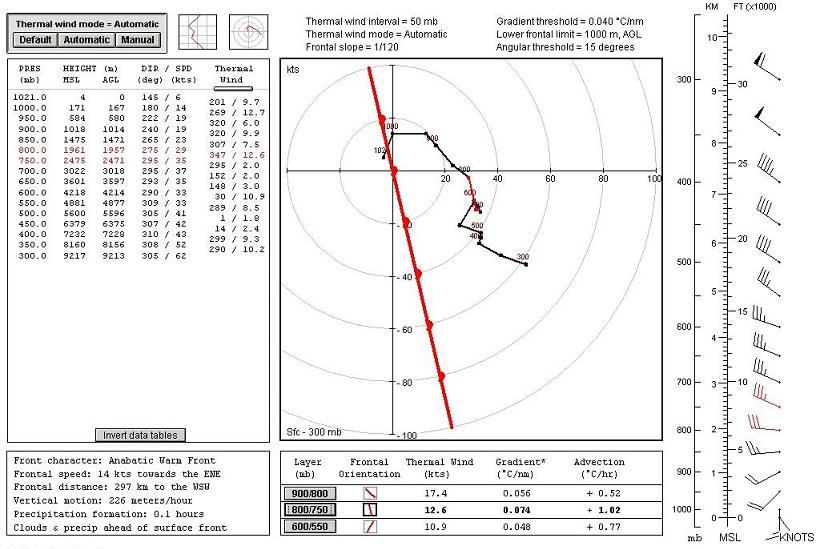
Example of a Frontal Analysis screen.
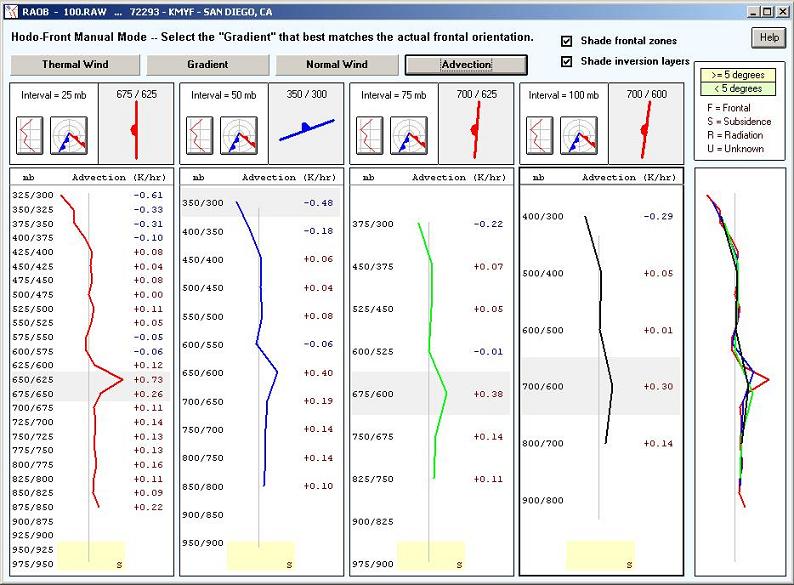
Example of a Manual Frontal Analysis screen.
Example of a Sounding Forecasting screen.
Features
- Using only the plotted sounding's data , RAOB can produce the following (see video):
- RAOB fully automates classic Single-Station-Analysis techniques.
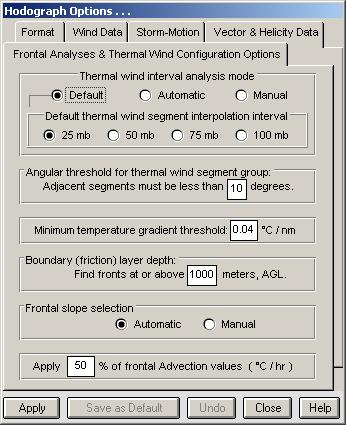
- Uses the hodograph's thermal wind data to identify frontal layers.
- Use the unique manual analysis screen to investigate frontal layer details.
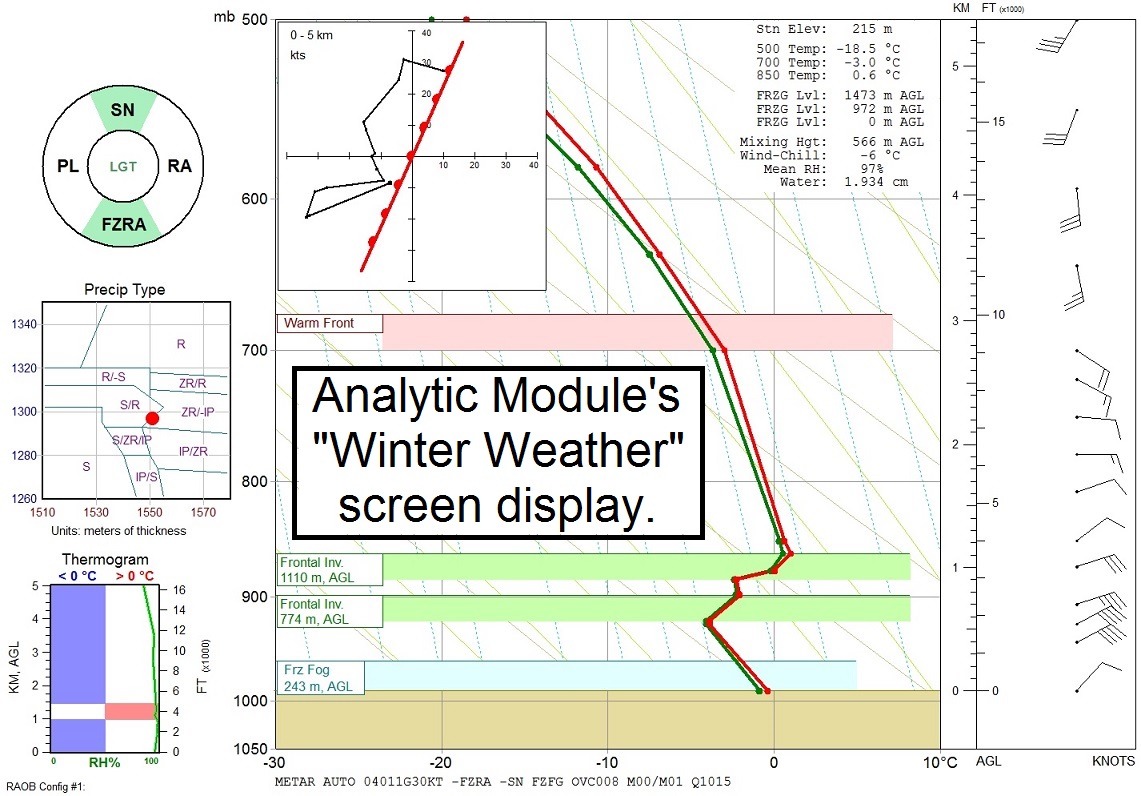
- Overlay frontal layers onto the sounding diagram for integrated data view.
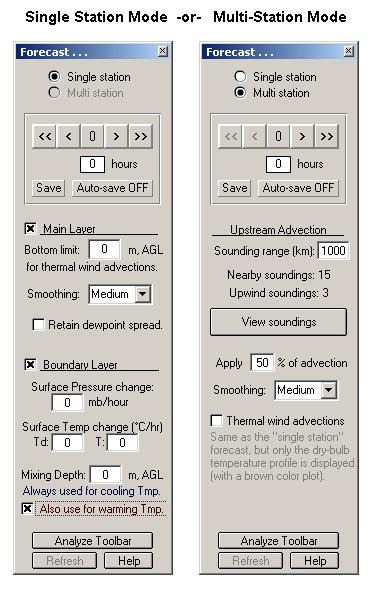
- Use the Forecast toolbar to control all aspects of the forecast process:
- Apply forecast advections by 1-hour or 6-hour increments.
- Sequentially step forward and backward to study each increment.
- Use smoothing and advection options to control forecast processes.
- Save each forecast to file for later use.
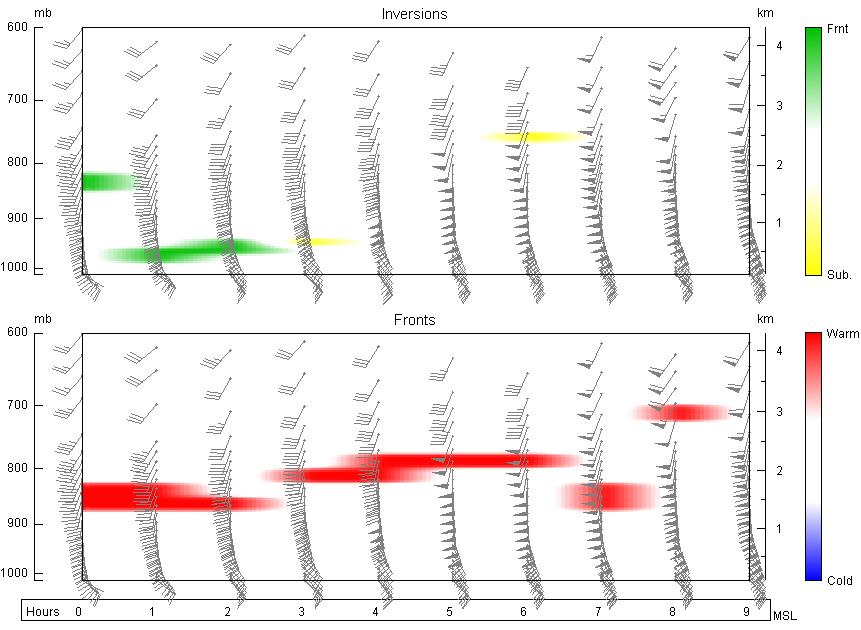
- Use data files to create time-series cross-sections.
- Create forecasts using only the plotted sounding's wind data (video).
- Use the hodograph's thermal winds to modify the temperature profile.
- Allows surface data input to improve boundary-layer forecasts.
- Initialize surface temperature, dewpoint, and pressure data. See video.
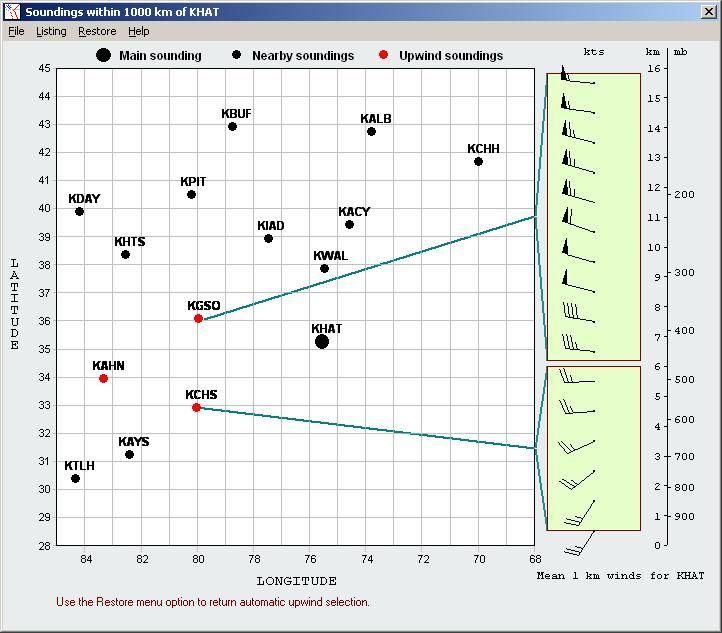
- Create forecasts using nearby soundings that are upwind.
- Adjusts both sounding temperature and wind data.
- Use automatic or manual identification of upwind soundings.
- Specify the upwind range for automatic sounding selection.
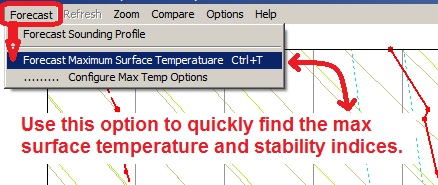
- Forecast maximum surface temperatures using Gold's method along with user defined configuration options.
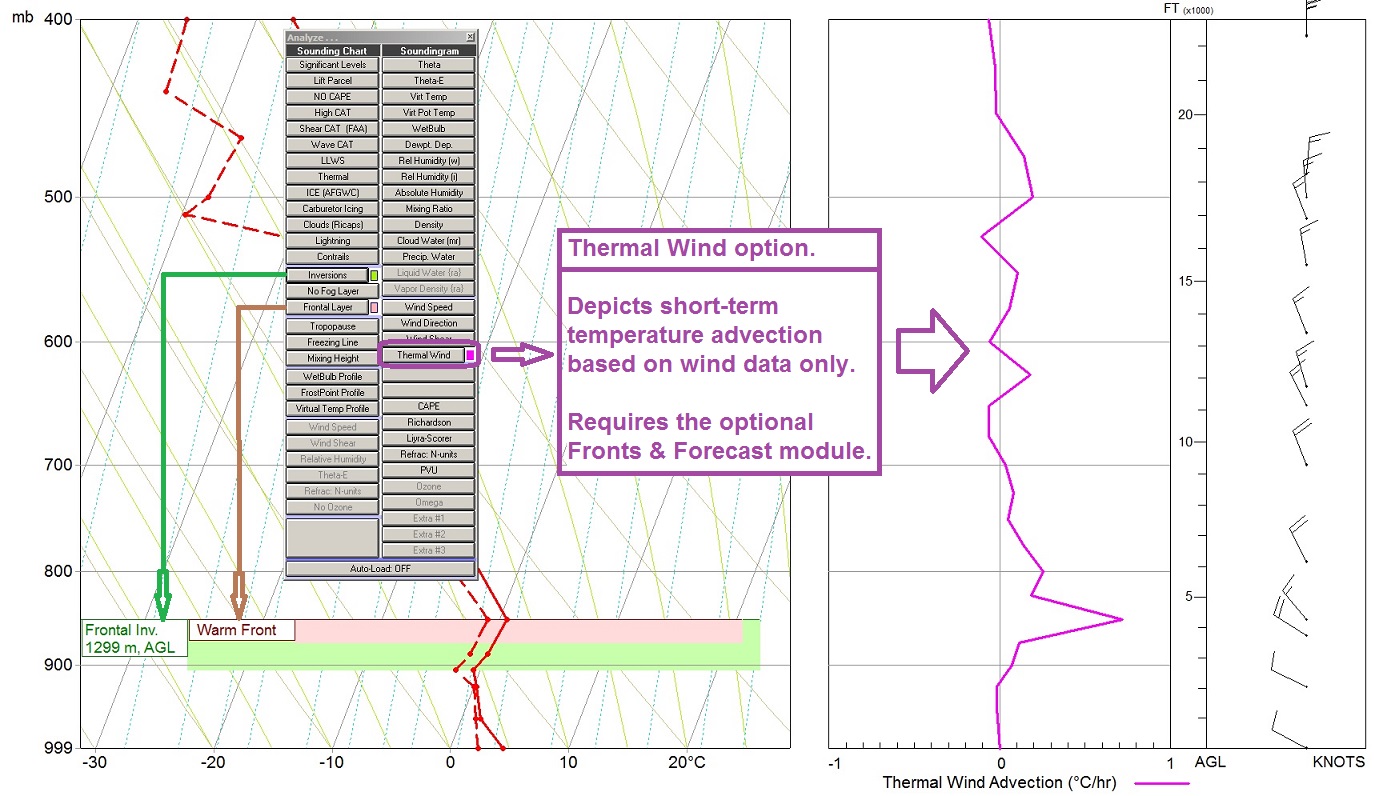
- Plot a Thermal Wind profile using the Sounding diagram's Toolbar during wide-screen analyses.